
The SEOMate dashboard is your command center for content creation and management. This comprehensive overview will guide you through each section of the dashboard, helping you understand how to efficiently navigate and utilize all the powerful features available to streamline your content workflow.
1. Dashboard Overview: Your Content Creation Starting Point
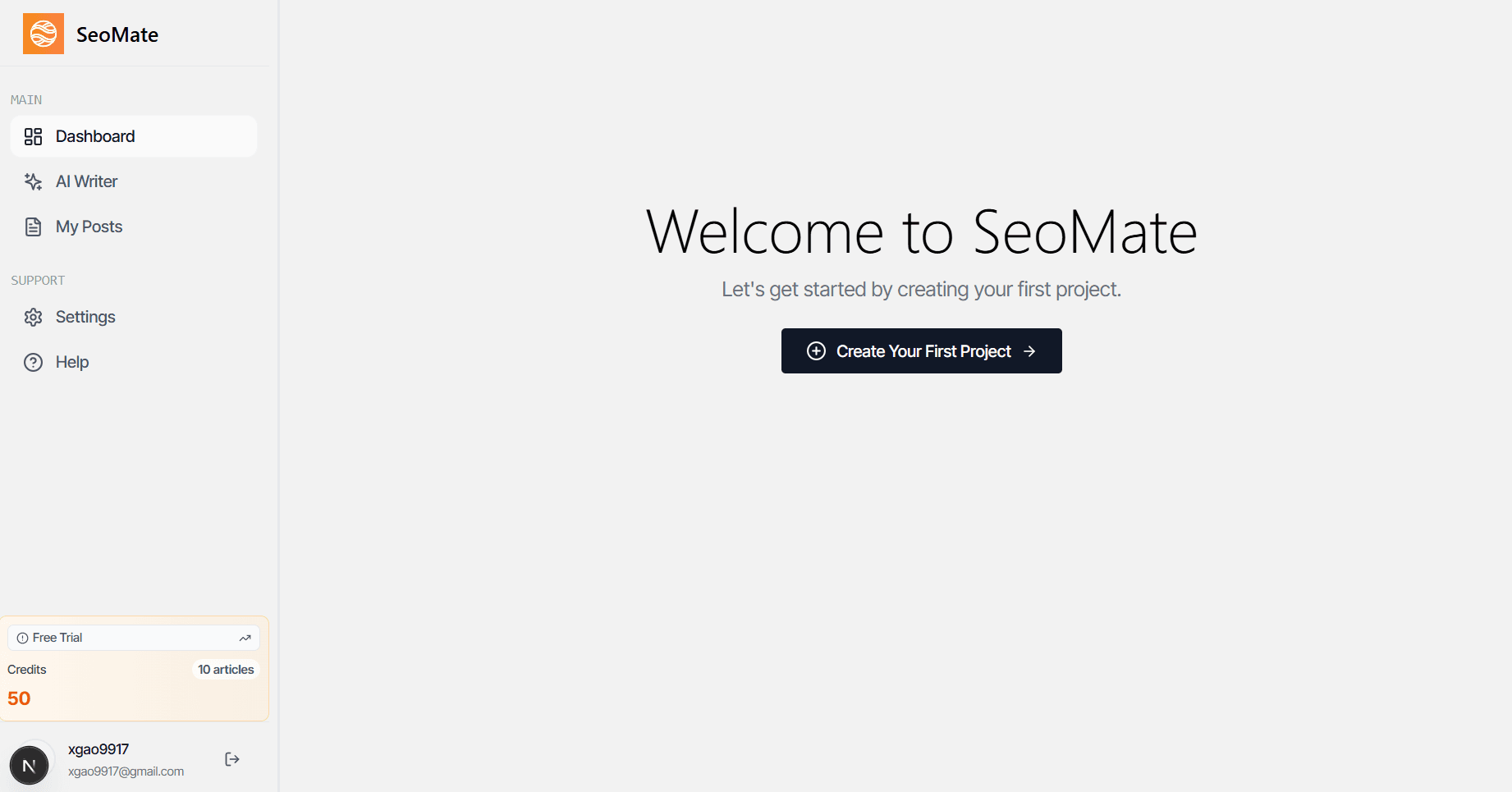
The dashboard serves as your overview page where you can quickly get started with article generation. This central hub provides you with immediate access to all essential features and gives you a comprehensive view of your content creation workflow.
From the dashboard, you can monitor your recent activity, track your content performance, and access quick actions to streamline your content creation process. The intuitive design ensures that both beginners and experienced users can efficiently navigate to their desired features.
2. AI Writer: Intelligent Content Generation
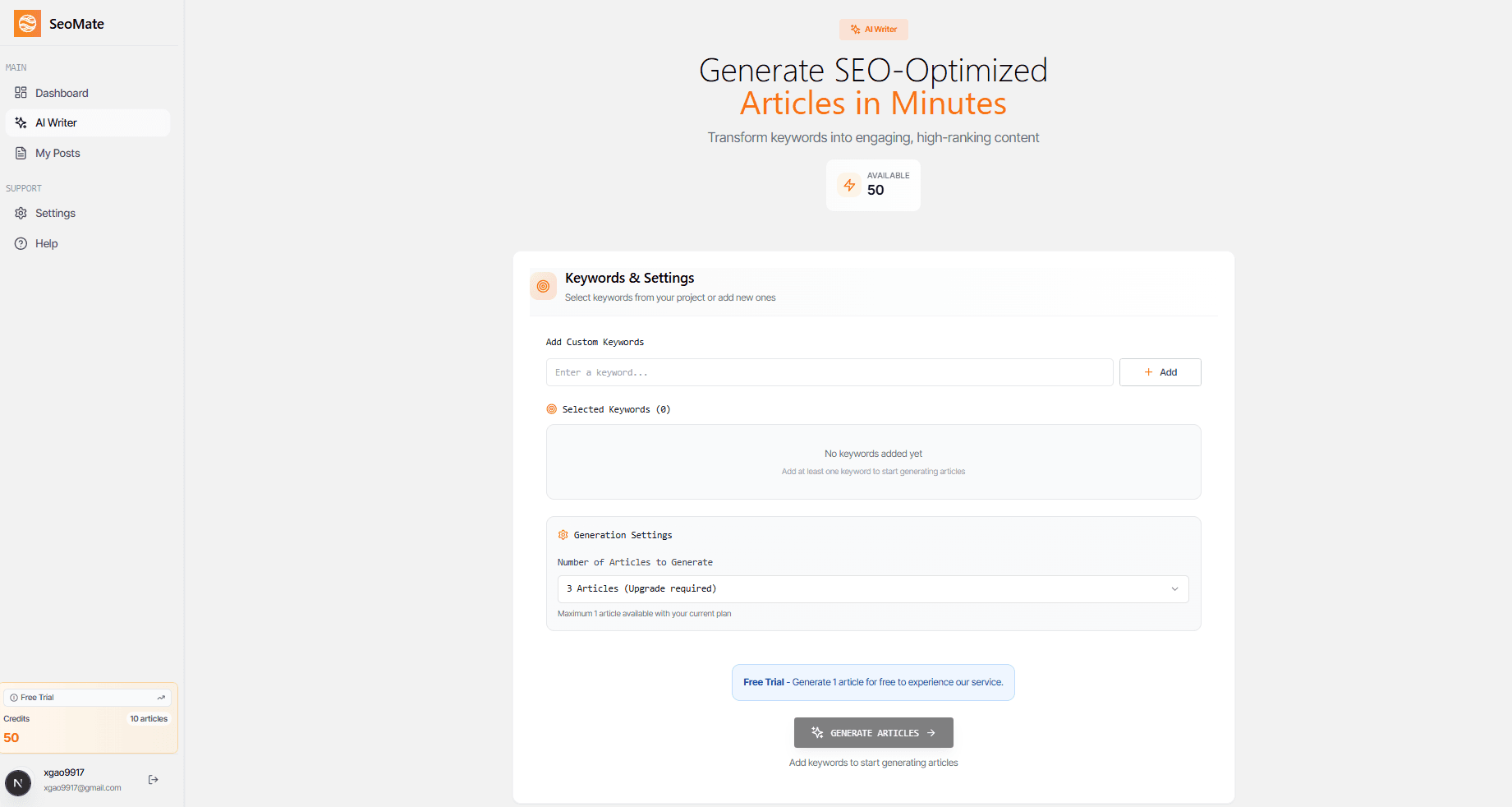
The AI Writer is the heart of SEOMate's content creation capabilities. This powerful feature enables you to generate high-quality, SEO-optimized articles with advanced customization options.
Customize Keywords for Better SEO
One of the key advantages of the AI Writer is the ability to customize keywords for your content. This ensures that your generated articles are optimized for the specific terms and phrases that matter most to your business and target audience.
- Target Keywords: Input your primary and secondary keywords for focused optimization
- Keyword Density: AI automatically balances keyword usage for natural, readable content
- Long-tail Keywords: Include specific, less competitive phrases for better ranking opportunities
- Semantic Keywords: AI incorporates related terms to improve content relevance
- Keyword Research: Built-in suggestions help you discover new keyword opportunities
Set Article Generation Quantity
The AI Writer allows you to specify exactly how many articles you want to generate, giving you complete control over your content production workflow. This feature is particularly useful for bulk content creation and maintaining consistent publishing schedules.
Article Generation Options
3. My Posts: Comprehensive Content Management
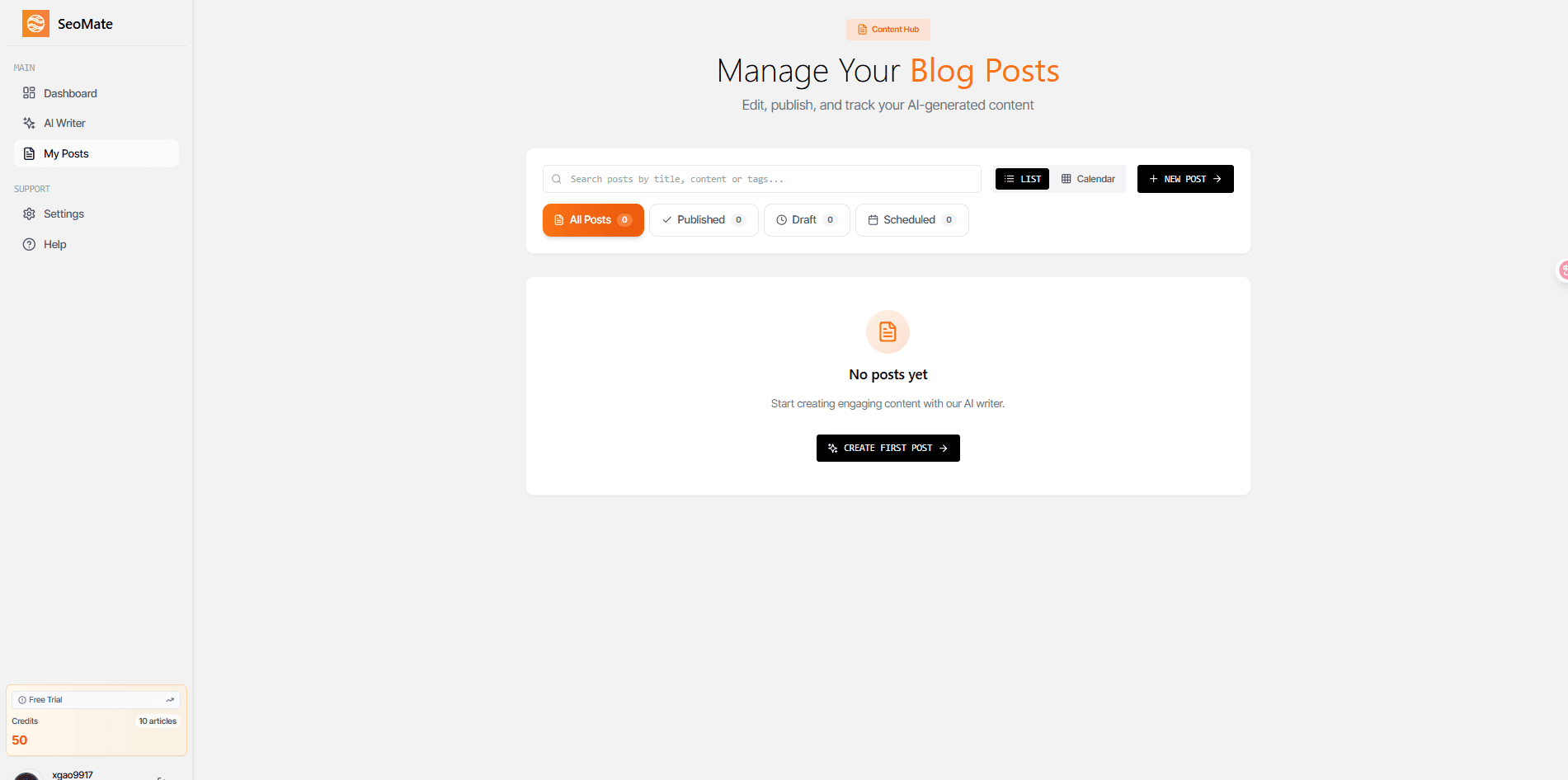
The My Posts section is your comprehensive content management hub where you can view, organize, and manage all your generated articles. This powerful interface provides complete control over your content workflow.
View All Generated Articles
Access your entire content library in one organized view. The My Posts section displays all your articles with key information including status, publication date, and performance metrics.
- Published Articles: View all live content with performance metrics and engagement data
- Draft Management: Access and continue working on articles in various stages of completion
- Scheduled Posts: Manage content scheduled for future publication with timing controls
- Calendar View: Visualize your content publishing schedule and plan future content
- Advanced Editing: Make detailed edits to any generated article with our built-in editor
Editorial Calendar and Scheduling
The integrated calendar view helps you maintain a consistent publishing schedule:
Calendar Features
4. Settings: Global Account Management
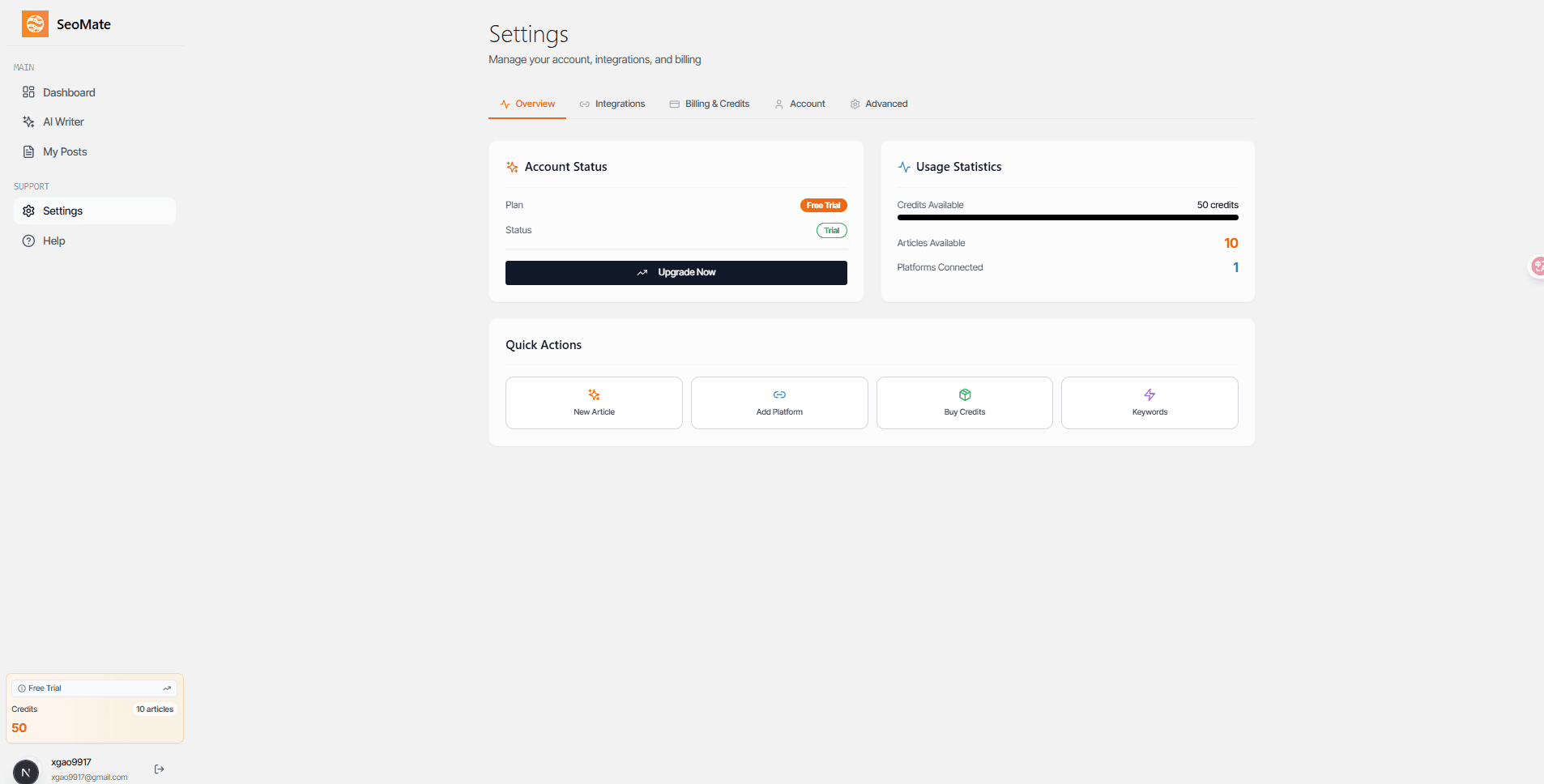
The Settings section provides comprehensive control over your SEOMate account, offering global management of account information, usage statistics, integrations, billing, and personal preferences.
Account Information Overview
Monitor your account status and usage statistics in real-time. The account overview provides essential information about your subscription, content generation limits, and account activity.
- Subscription Status: Current plan details and renewal information
- Usage Statistics: Track your content generation usage and remaining credits
- Account Activity: Monitor recent logins and account security
- Profile Management: Update your personal information and preferences
Platform Integrations
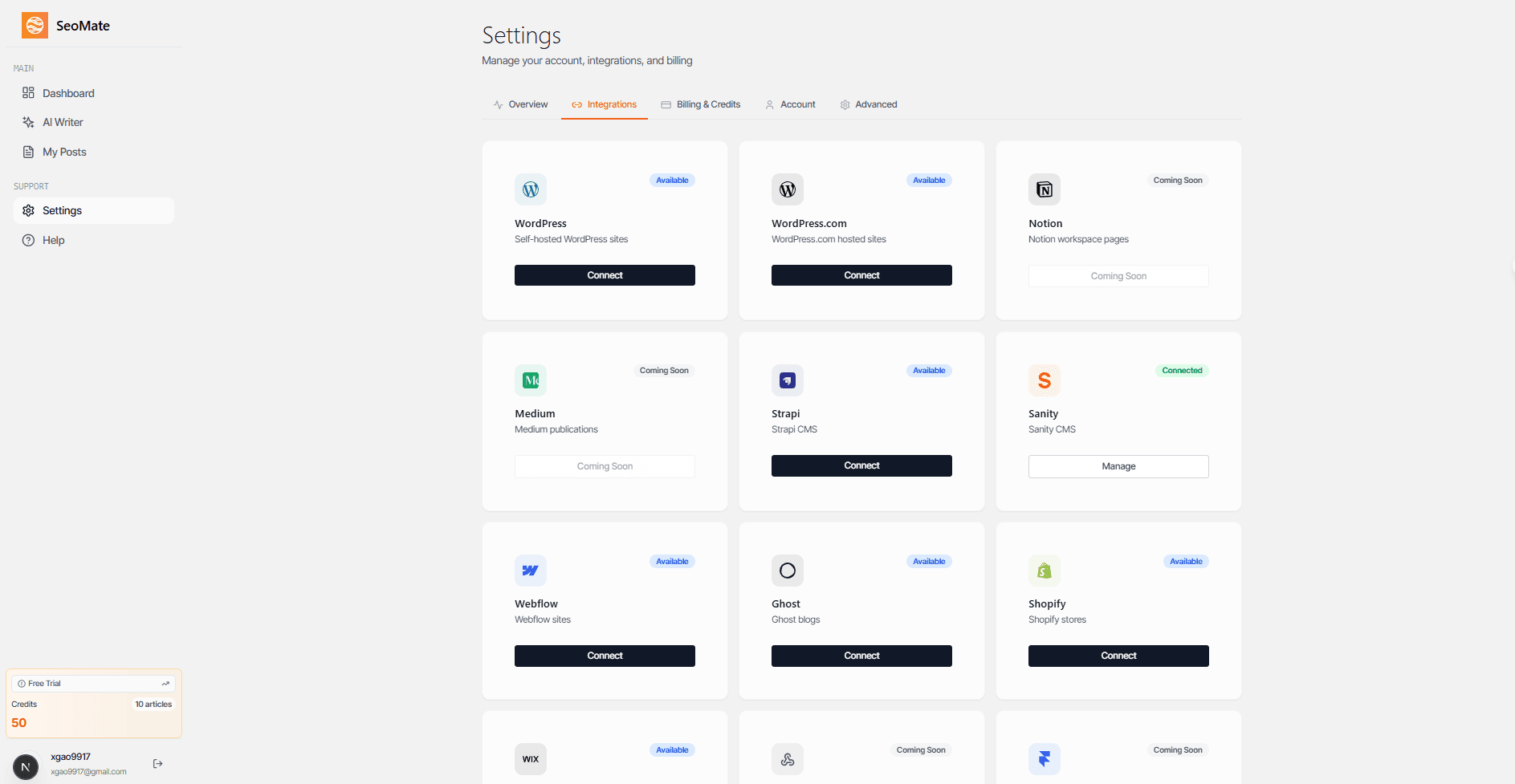
Connect SEOMate with your favorite content management systems and publishing platforms. Our integration system supports major platforms to streamline your content workflow.
Available Integrations
Billing and Subscription Management
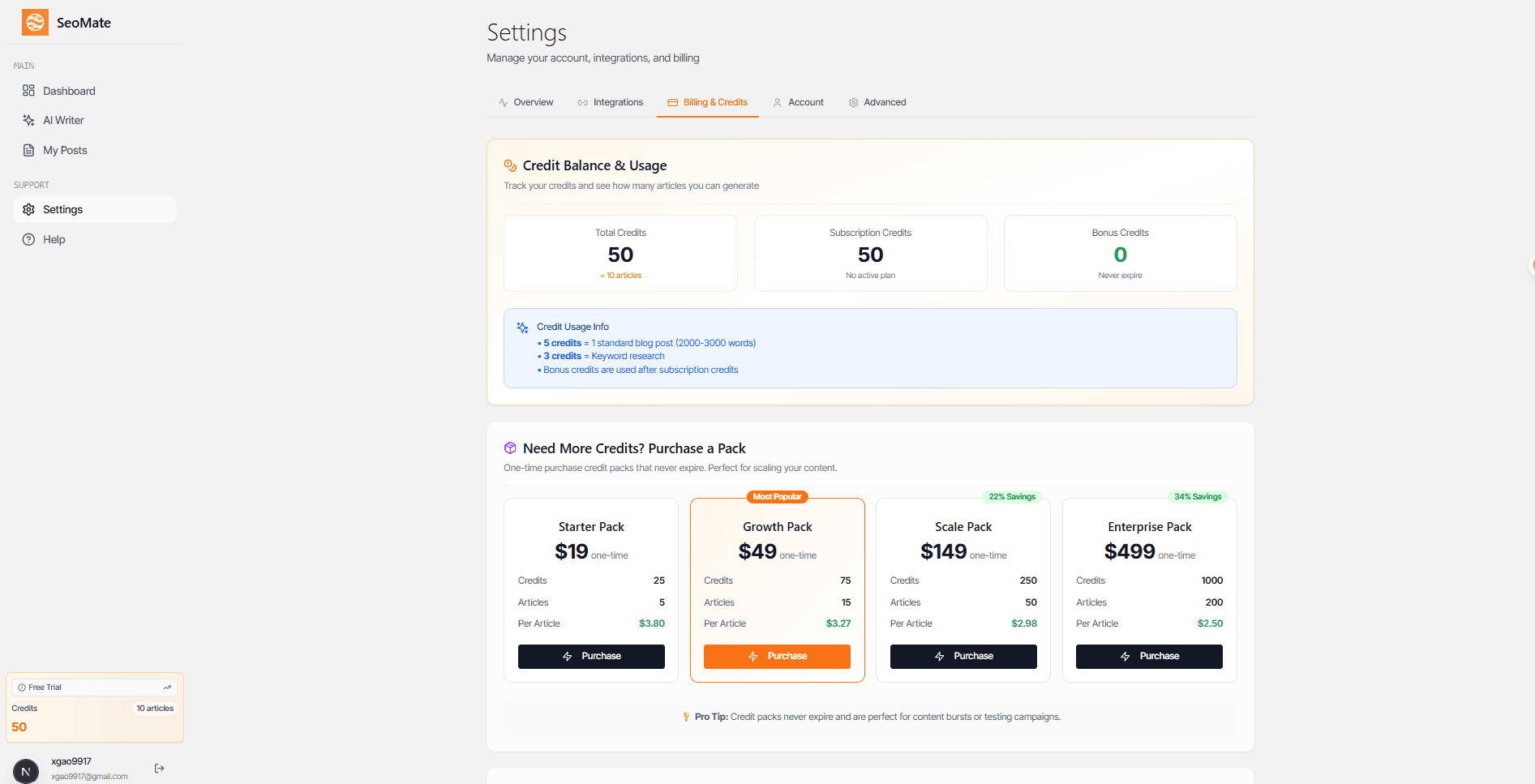
Manage your subscription, view billing history, and update payment methods all from one convenient location. The billing section provides complete transparency over your account finances.
5. Help: Access Documentation and Support
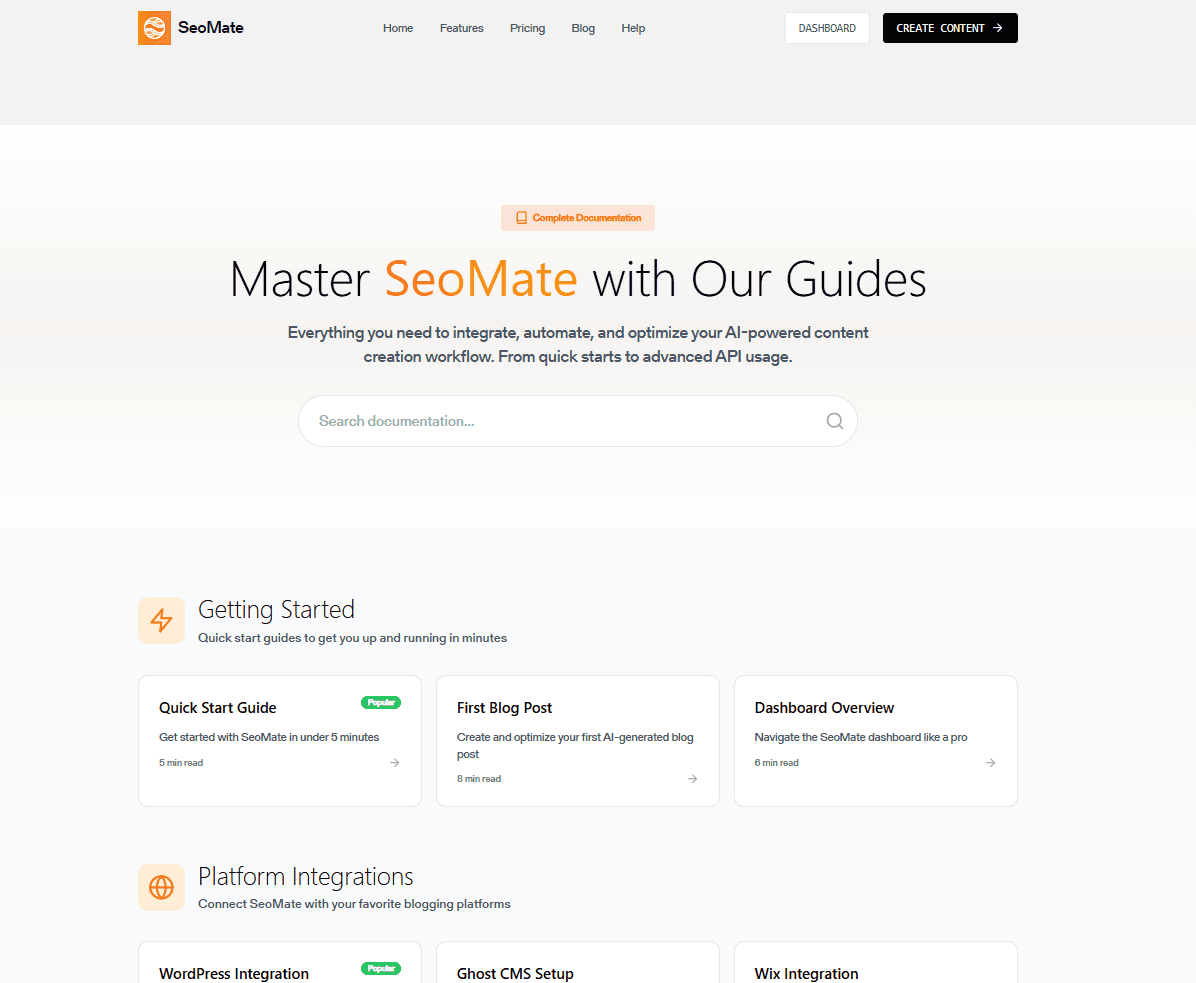
The Help section serves as your gateway to comprehensive documentation, tutorials, and support resources. Whether you're a beginner or an advanced user, you'll find the information you need to maximize your SEOMate experience.